







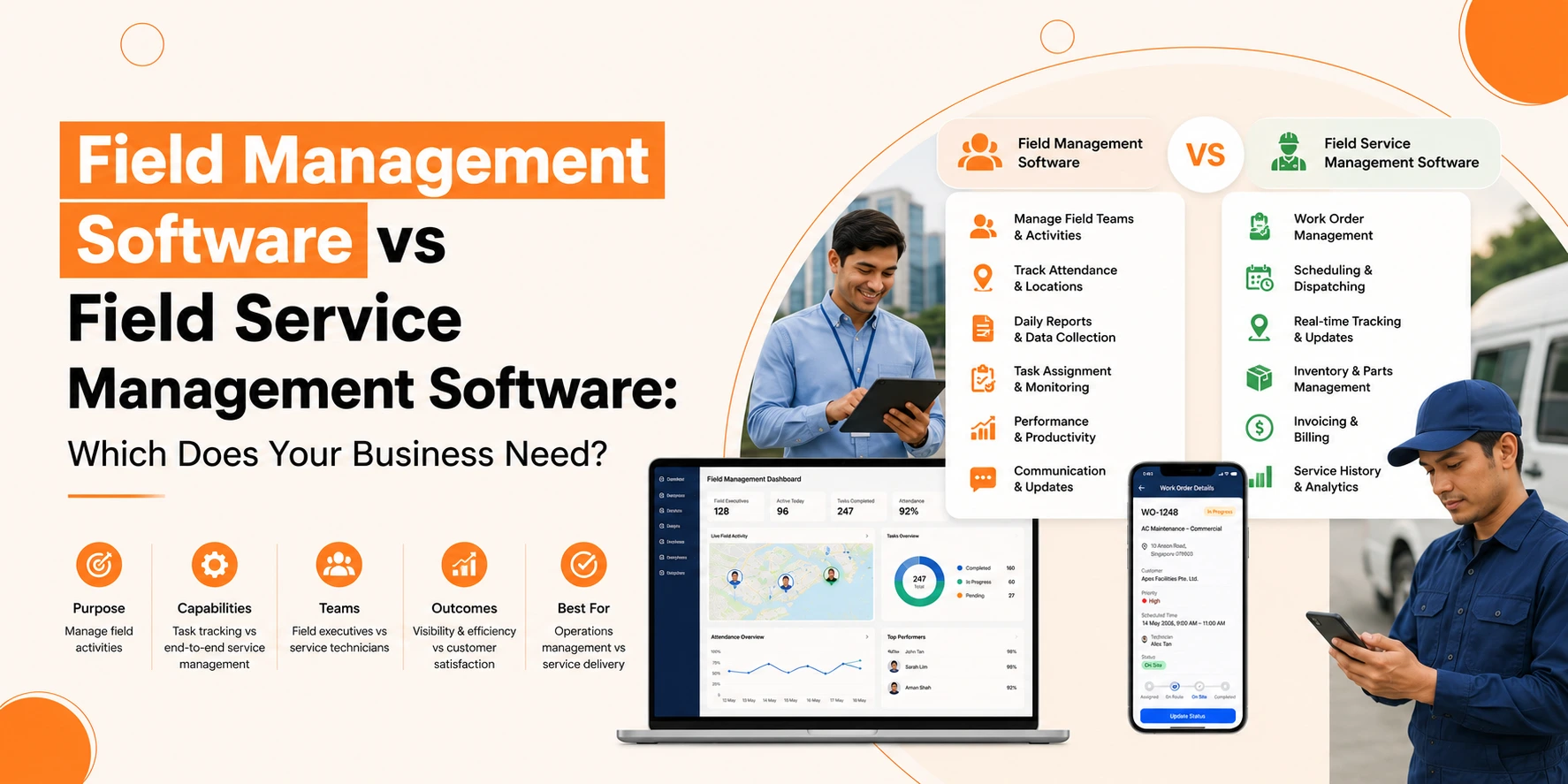
Field management software helps businesses schedule teams, manage resources, track tasks, and improve operational efficiency across field activities.
Running field operations well is key for businesses that send teams out of the office. Whether your teams fix, install, check, or deliver, using the right software can shape how work gets done.
Two common tools are field management and field service management software. They may look alike at first, but knowing their differences helps you pick the one that fits your business.
In this guide, we break down the differences, compare features, and help you decide which field software is right for your business.
Understanding Field Management Software
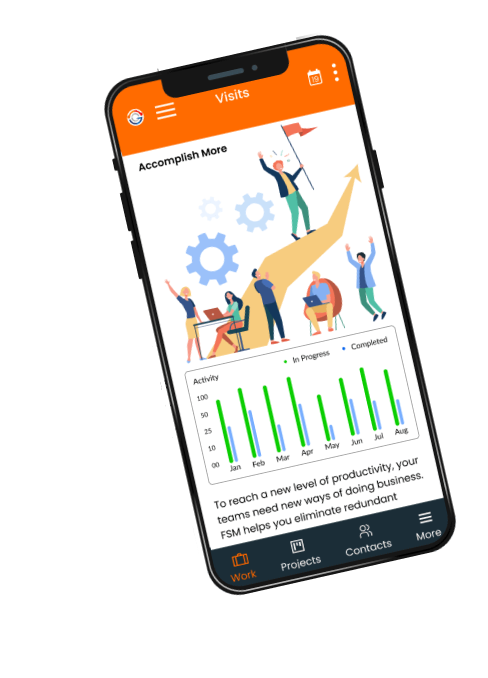
Field management software manages customer-facing field work, combining scheduling, dispatching, service tracking, invoicing, and customer management tools.
Key Features of Field Management Software
- Task and Workforce Scheduling: Assign jobs and watch who handles what and when.
- Resource Allocation: Track tools, equipment, and materials across sites.
- Reporting and Analytics: Check team performance, task completion, and resource use.
- Communication Tools: Share updates between field teams and managers.
Field operations software suits businesses that run many field tasks but interact little with customers. It cuts manual tracking, stops double-booking, and makes sure resources stay in use.
Who Benefits Most?
Small and medium enterprises (SMEs) that focus on internal operations, not customer service, gain the most. Companies that perform inspections, coordinate logistics, or handle internal maintenance find this software enough for their needs.
Understanding Field Service Management Software
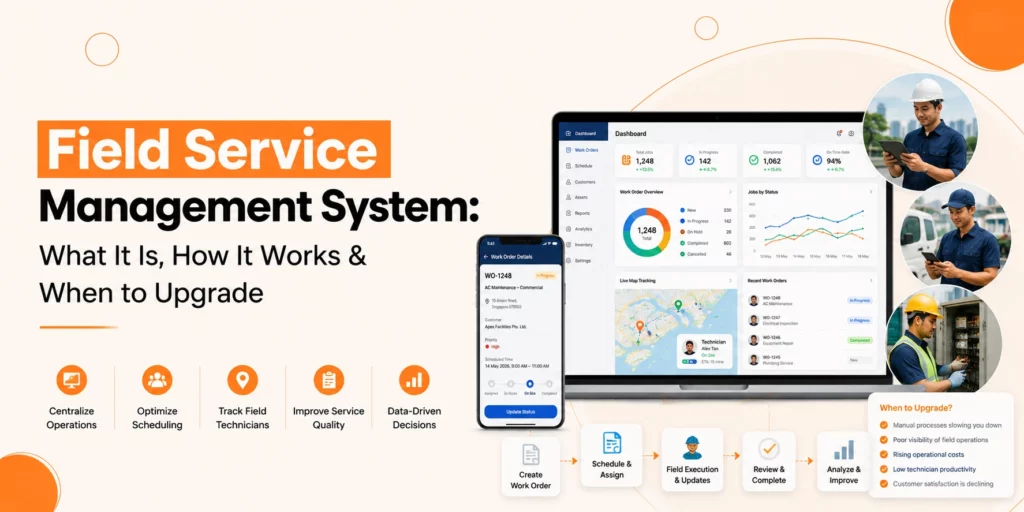
Field service management software guides field teams while handling customer-facing work. It schedules tasks and organises resources, but its main goal is to boost service quality and improve customer experience.
Key Features of Field Service Management Software
- Job Scheduling and Dispatching: Send tasks to technicians based on skills, location, and availability.
- Customer Relationship Management: Keep records of customers, interactions, and requests.
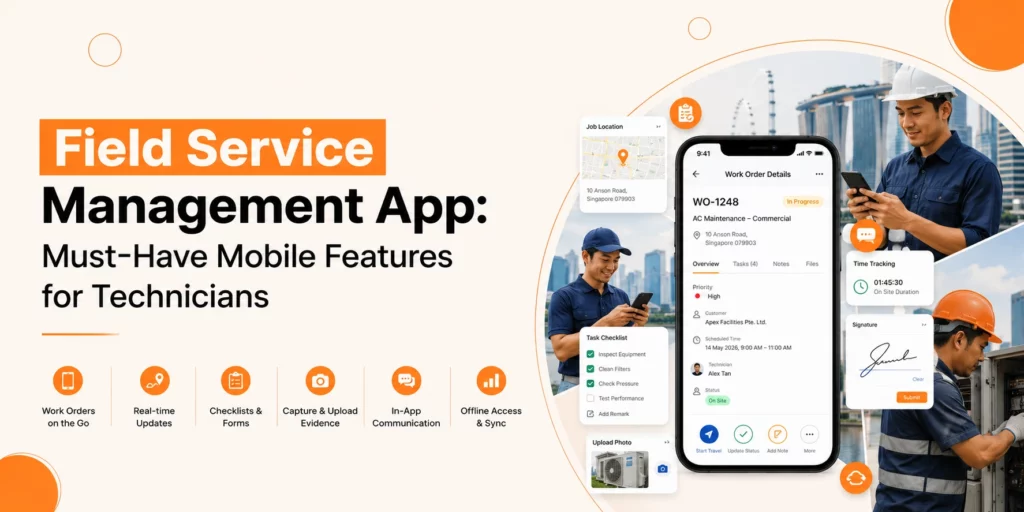
- Mobile Access: Let technicians update job status, read manuals, and collect customer signatures in the field.
- Invoicing and Payments: Generate invoices and track payments directly from the field.
- Integration with Other Systems: Connect with accounting, CRM, and inventory software.
This software fits businesses that need to maintain high service standards and keep customers happy. It works well for companies that meet customers often, like maintenance, repair, or installation businesses.
Field Management Software vs Field Service Management Software: Core Differences
Here’s how field management software vs field service management software stacks up:
| Feature | Field Management Software | Field Service Management Software |
| Primary Focus | Internal operations & workforce efficiency | Customer service & operational efficiency |
| Scheduling | Basic job assignment and resource planning | Advanced scheduling with skill-based dispatching |
| Customer Interaction | Minimal | Part of daily operations |
| Mobile Use | Optional | Needed for real-time updates |
| Reporting | Operational metrics | Operational + customer metrics |
| Complexity | Easy to set up | Can be complex, needs integration |
| Suitable For | SMEs managing internal teams | Businesses delivering services to clients |
Field software focuses on internal efficiency. Field service management software balances internal tasks with customer-facing work.
When to Choose Field Management Software
If your business uses field operations software for SMEs, field operations software often fits best. Choose it if:
- You want to watch and improve workforce productivity.
- You run multiple tasks across sites with little customer contact.
- You want a simple tool that starts quickly and needs minimal training.
- Your work is moderate in complexity, and you do not require billing or CRM tools.
Examples
- Teams tracking logistics and inventory
- On-site inspection crews
- Maintenance teams handling internal equipment
This software gives visibility over tasks and resources, reduces wasted time, and boosts productivity.
When to Choose Field Service Management Software
Choose field service management software if technicians serve customers directly and require scheduling, invoicing, CRM, and mobile access. Consider it if:
- Teams interact with clients regularly.
- You need advanced scheduling by skills, location, or availability.
- Mobile updates are critical.
- You want to link with billing, CRM, or other business tools.
- Service quality and client satisfaction matter most.
Industries That Benefit
- Home appliance repair
- IT hardware installation
- HVAC maintenance and installation
- Pest control and cleaning
This software helps reduce delays, improve first-time fixes, and strengthen client relationships.
Operational Complexity Comparison
One major difference is how complex the software is.
- Field management software is straightforward. SMEs can set it up fast and train teams easily. It tracks tasks and reports performance without hassle.
- Field service management software can be more complex. You connect it with other systems, train teams on mobile tools, and manage customer data. The extra work delivers better control and service outcomes.
If your business is small or has simple tasks, a complex system may slow progress.
Also Read: Field Service Management System: What It Is, How It Works & When to Upgrade
Choosing the Right System for SMEs
For SMEs, picking between field management vs field service management software depends on operations and growth plans.
Step 1: Check Your Operations
Ask:
- Do teams mainly work internally, or do they meet clients?
- How many tasks happen daily, and do they need skilled assignment?
- Do teams need mobile updates in real time?
Step 2: Think About Integration
- Simple operations may not need CRM or invoicing.
- Growing businesses may gain from connecting scheduling, client info, and billing.
Step 3: Test Usability
- Easy-to-use tools start fast.
- Complex systems offer more features but can slow adoption if hard to use.
Step 4: Check the Budget
- Field management software usually costs less.
- Field service management systems cost more but deliver value if customer service drives business.
Conclusion
Overall, the choice between field management and field service management software depends on focus and complexity. Both types of software will help to manage field operations. The key question to ask yourself is whether you want to prioritise the efficiency of your internal field operations or the customer service provided by those field workers.
For SMEs, starting with field operations software streamlines operations quickly. For businesses where clients drive success, field service management systems bring long-term benefits.
When you choose software, review operations, ease of use, integration, and budget. The right tool transforms your field teams, boosts efficiency, and delivers clearer results for your business.