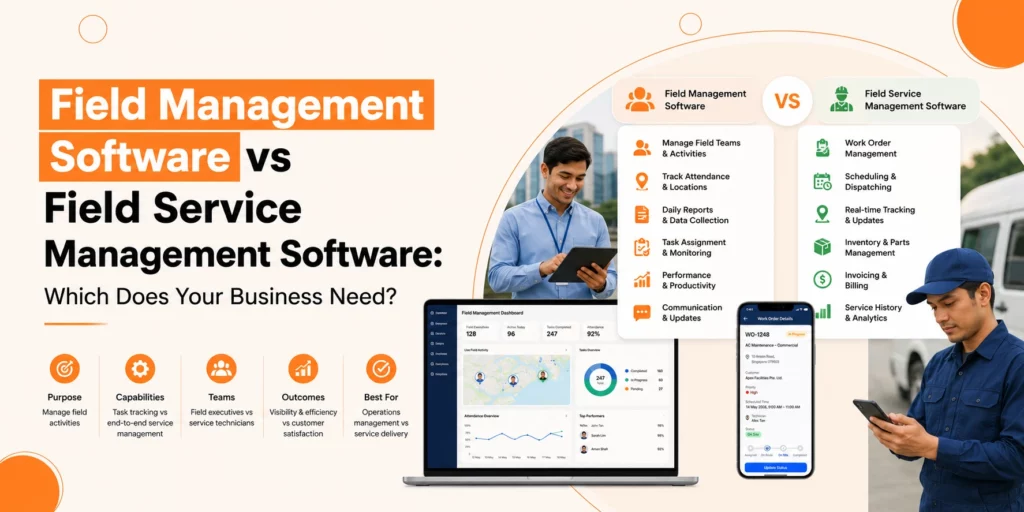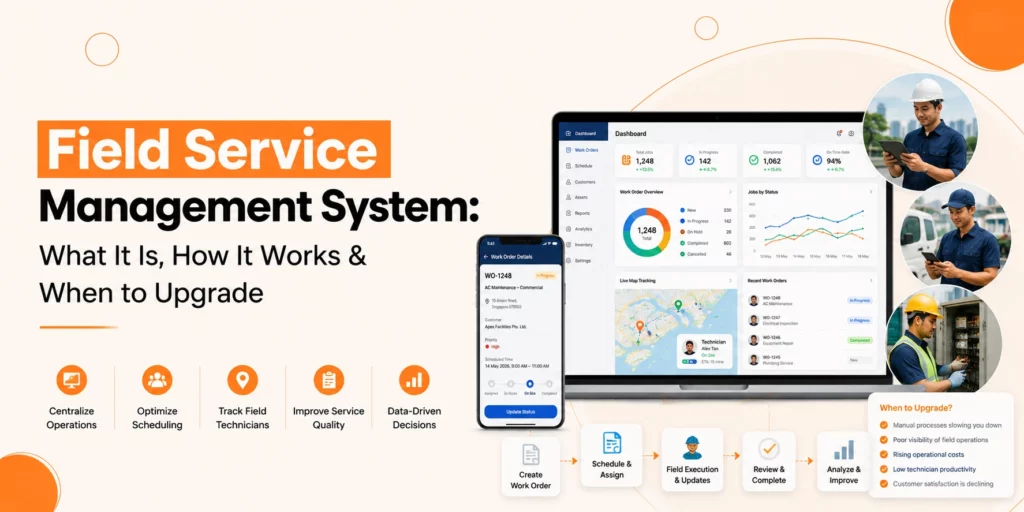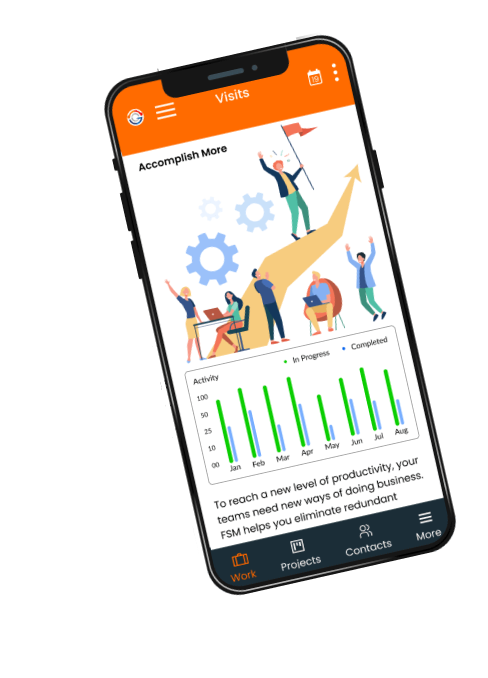






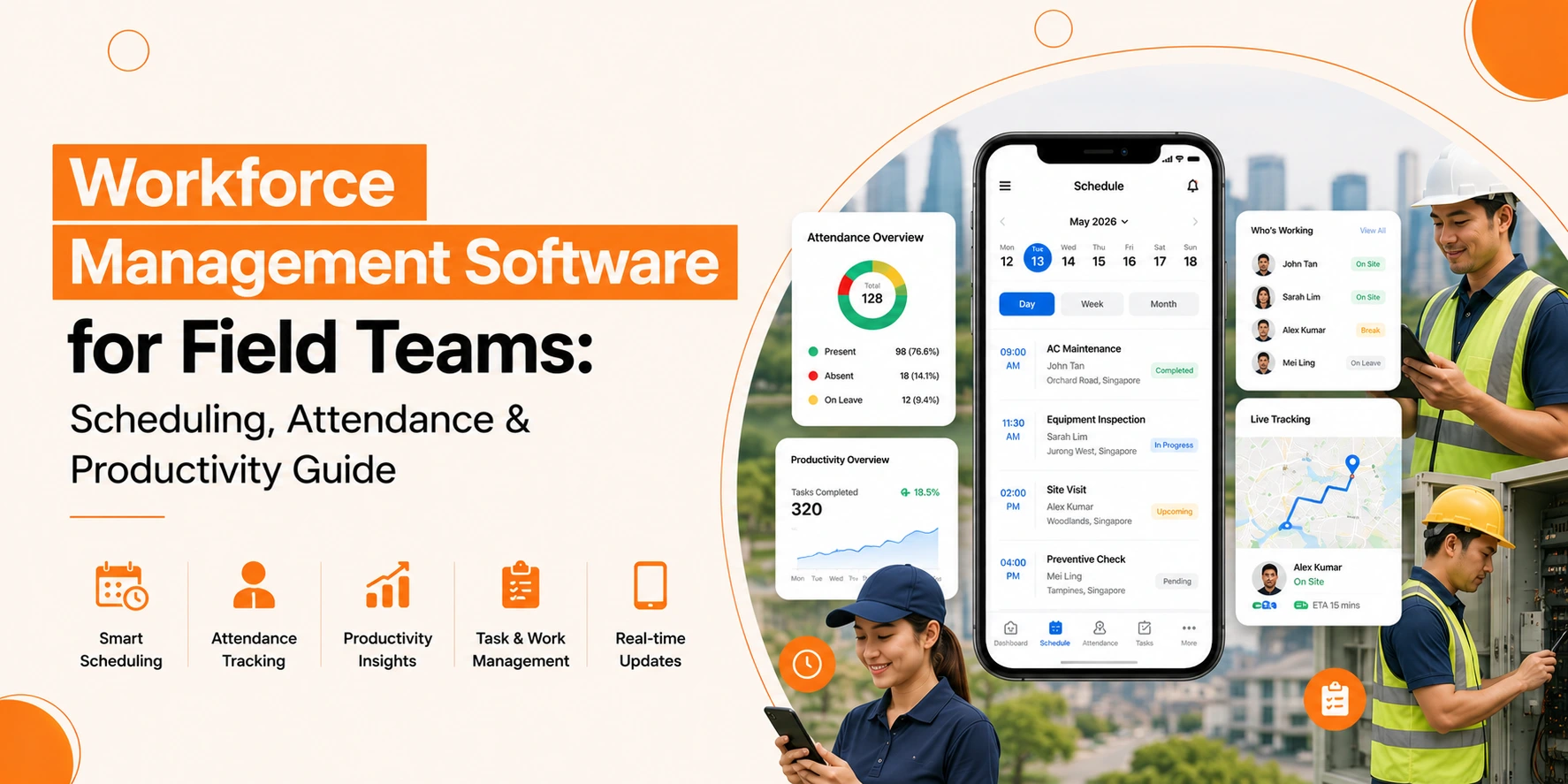
Workforce Management Software helps field teams improve scheduling, attendance tracking, communication, and productivity. It gives managers real-time visibility into field operations while helping workers stay organised and efficient.
Field teams form the backbone of many industries. Construction crews, maintenance technicians, delivery drivers, healthcare workers, and utility repair teams all operate away from the central office. These workers need clear instructions, fair schedules, and a simple way to report their time. Without the right systems, managers waste hours on phone calls, text messages, and manual data entry just to figure out who is working where.
This is where a Workforce Management system becomes essential. A good system brings order to the chaos of field operations. It gives managers real-time visibility and gives field workers a reliable tool to do their jobs well.
What Makes Field Teams Different from Office Workers
Field teams face problems that desk workers never encounter. An office employee clocks in at a fixed terminal. A field worker might start the day at a warehouse, drive to three different customer sites, and finish at a remote location. Tracking that movement requires more than a basic time clock.
Field workers also deal with variable conditions. Traffic delays, weather problems, equipment breakdowns, and last-minute customer cancellations all affect the daily schedule. A static plan made in the morning rarely survives until the afternoon. Managers need Workforce Management solutions that handle change without falling apart.
Another difference involves communication. Office workers have email, instant messaging, and face-to-face conversations. Field workers need a mobile Workforce Management system that works on phones or tablets. They need to see schedule updates while driving between jobs. They need to report problems without driving back to the office.
What Makes Scheduling and Attendance So Painful for Mobile Teams?
Scheduling and attendance become difficult for mobile teams because employees work in different locations, schedules change frequently, and managers often lack real-time visibility into field activities.
Scheduling That Falls Apart Quickly
Manual scheduling for field teams takes hours. You must match worker skills to job requirements. You must consider travel time between locations. You must respect shift limits and break rules. A single last-minute change can break the entire plan.
Without proper tools, managers use whiteboards or spreadsheets. These methods cannot handle real-time updates. When a worker calls in sick, the manager must scramble to find a replacement and notify every affected customer. This reactive approach wastes time and creates poor customer experiences.
Attendance Tracking That Lacks Accuracy
Field employees cannot use a fixed time clock. Some organisations rely on workers to write down their hours. Others use phone calls to verify start and end times. These methods invite errors and intentional dishonesty.
Manual attendance tracking for field employees also creates payroll problems. Illegible handwriting, forgotten breaks, and disputed hours lead to incorrect paychecks. Fixing these mistakes takes more manager time and damages trust between workers and the company.
Productivity That Remains Invisible
You cannot improve what you cannot measure. Many field service organisations have no reliable data on how long jobs actually take. They do not know which workers complete tasks faster or which routes cause delays. This lack of information makes it impossible to improve field Workforce productivity.
Managers end up guessing about job durations, staffing levels, and training needs. Some workers may struggle without support. Others may finish early and waste time. Without data, every worker looks the same from a distance.
What Features Should You Look For in Software Built for Field Teams?
The best workforce management software includes mobile scheduling, attendance tracking, GPS visibility, offline functionality, digital reporting, and compliance management tools.
Mobile-First Scheduling and Dispatch
Field workers need schedule information on their phones. A good system sends assignments directly to each worker’s mobile device. The worker sees the job address, required tools, customer contact details, and any special instructions. This eliminates the need for paper printouts or morning meetings to hand out assignments.
The system should allow real-time updates. When a job finishes early or a new urgent request comes in, the dispatcher can reassign work with a few clicks. The affected worker receives an instant notification. This agility keeps everyone productive even when plans change.
Mobile Workforce scheduling tools also help with route optimisation. The software considers job locations and travel times to create efficient sequences. This reduces fuel costs and allows workers to complete more jobs each day.
Real-Time Attendance and Location Tracking
Modern attendance tracking for field employees uses mobile technology. Workers clock in when they arrive at a job site using their phone. The software can capture the location and time stamp. This provides proof of attendance without requiring a physical time clock.
GPS functionality serves multiple purposes. It confirms that workers are at assigned locations. It helps dispatchers find the nearest available worker for emergency jobs. It also provides evidence if a customer disputes the arrival time.
Good systems respect privacy. Location tracking should only operate during work hours. Workers should know when their location is being monitored. Transparency builds trust while still providing the data needed to manage operations.
Offline Capabilities for Remote Areas
Field workers often travel to locations without reliable internet. A good Workforce Management Software for field teams must work offline. Workers should clock in, view schedules, and record job details even without a signal.
The software saves all data on the device. When the worker returns to coverage, the system syncs automatically. This prevents data loss and keeps payroll accurate. Without offline capabilities, workers in remote areas cannot use the system reliably.
Digital Job Reporting and Proof of Completion
Paper job tickets get lost, damaged, or filled out illegibly. Digital forms solve these problems. Workers complete job reports on their phones, capturing signatures, photos, and notes. Everything goes directly into the central system.
The digital record system tracks customer disputes which helps to manage the resolution process. The client can prove their work was finished through photographic proof and their signature which they provided electronically. The system delivers faster invoice processing because it automatically transfers billing details from the finished work report into the billing system.
Automated Compliance Checks
Field teams encounter numerous compliance rules that they must follow. Drivers need valid licences. Technicians need current certifications. Employers need to perform safety training and background checks for their workers. The system reaches its limits because it requires human oversight to track mobile team member credentials.
Workforce Management solutions track certification status while they send notifications when expiration dates approach. The system prevents workers from receiving assignments which need expired certification credentials. The system safeguards your organisation against legal problems and safety breaches that might occur in the future.
How Do You Pick the Right Software Without Wasting Money?
Businesses should choose management software based on their operational challenges, mobile usability, integration capabilities, and field-specific requirements.
Assess Your Specific Field Operations
List the problems that cost you the most time and money. Do you struggle with knowing where workers are during the day? Do customers complain about missed arrival windows? Do payroll errors happen every week? Your biggest pain points should guide your feature priorities.
Consider your industry’s unique needs. A construction crew needs different tools than a home healthcare provider. Construction might focus on equipment tracking and safety compliance. Healthcare might prioritise visit duration and patient signatures. Match the software to your actual work.
Test Mobile Experience First
Field workers will reject software that is hard to use. Before committing to any system, test the mobile app with actual workers. Ask them to clock in, view a schedule, and complete a mock job report. If they struggle or complain, keep looking.
The mobile interface should work on various screen sizes. Some workers use the latest iPhone. Others have older Android phones. The software should function well across all common devices without requiring expensive hardware upgrades.
Verify Offline Functionality
Take the software offline during your test. Turn on airplane mode and try to use all core features. Can workers still clock in? Can they view their assigned jobs? Does the system save data for later sync? Many products fail this test, which makes them useless for remote field teams.
Ask specific questions about how offline data syncs. Does the system handle conflicts well? If a worker records two different clock-out times while offline, which one gets saved? Understanding these details prevents headaches later.
Check Integration with Payroll and Accounting
Time tracking data must flow into payroll. Job completion data must flow into invoicing. Your Workforce Management System should integrate with your existing financial systems. Without integration, you will spend hours moving data between systems manually.
Ask about the integration process. Does the software connect directly to common payroll providers? Do you need a custom setup from a developer? Clear answers to these questions prevent unexpected costs and delays.
Best Practices for Implementing Field Workforce Software
Successful implementation requires employee training, phased deployment, and continuous process improvement based on real-world feedback.
Train Before Going Live
Do not hand phones to workers and expect them to figure out the system. Run training sessions for all field staff. Show them how to clock in, view schedules, report problems, and complete job forms. Let them practice with dummy data before the real launch.
Assign a few tech-savvy workers as internal helpers. These people can answer basic questions from coworkers. Having internal support reduces frustration and speeds up adoption.
Phase the Rollout
Launch the new system with a small group first. Choose a team or region that deals with average complexity. Run them on the software for two weeks while keeping the old system as a backup. Fix problems before expanding to everyone.
This phased approach reduces risk. If the software has bugs or missing features, you discover them with a limited group. The cost of a failed pilot is much lower than a failed organisation-wide launch.
Review Data and Adjust Processes
After implementation, look at the data your new system produces. Are jobs taking longer than expected? Do certain workers have unexplained gaps in their day? Use this information to improve operations.
Be prepared to change your processes. Field workers may find better ways to use the software than you imagined. Listen to their feedback and adjust schedules, job forms, or reporting rules accordingly. The goal is better results, not rigid adherence to the original plan.
How Do You Know If Your Investment Is Actually Paying Off?
Businesses can measure success by tracking productivity, payroll accuracy, travel time, job completion rates, and customer satisfaction.
Once you have Workforce Management Software for field teams running, track these key numbers to measure improvement.
First-time fix rate shows how often workers solve problems in one visit. Higher rates mean less wasted travel time and happier customers. Travel time between jobs reveals inefficient routes or scheduling problems. Overtime hours indicate if workloads are balanced fairly or if some workers carry too much. Job completion time compared to estimates shows where training or process changes are needed.
Payroll accuracy is another important metric. Count how many times you need to adjust employee paychecks due to missing or incorrect time data. A good system should reduce these errors by 80 percent or more.
Customer satisfaction scores often improve with better field management. When workers arrive on time and complete jobs efficiently, clients notice. Track your Net Promoter Score or similar metrics before and after implementation.
Conclusion
Overall, Workforce Management Software enables field teams to enhance their scheduling operations, attendance monitoring, productivity tracking, and customer service delivery by reducing administrative responsibilities and operational complexity.
Field team management requires more complicated approaches than office management systems. Mobile work creates unpredictable situations that lead to different levels of organisational chaos. The proper Workforce Software will decrease workplace confusion to its lowest possible level.
The system provides users with superior visibility and control, along with data access that surpasses what they can obtain through manual processes. The investment returns its value through decreased fuel expenses, improved payroll accuracy, increased daily work output and enhanced customer loyalty.
At Genic Teams, we offer workforce management tools that help your organisations simplify scheduling, track attendance accurately, manage your field activities in real time, and support better operational decision-making.