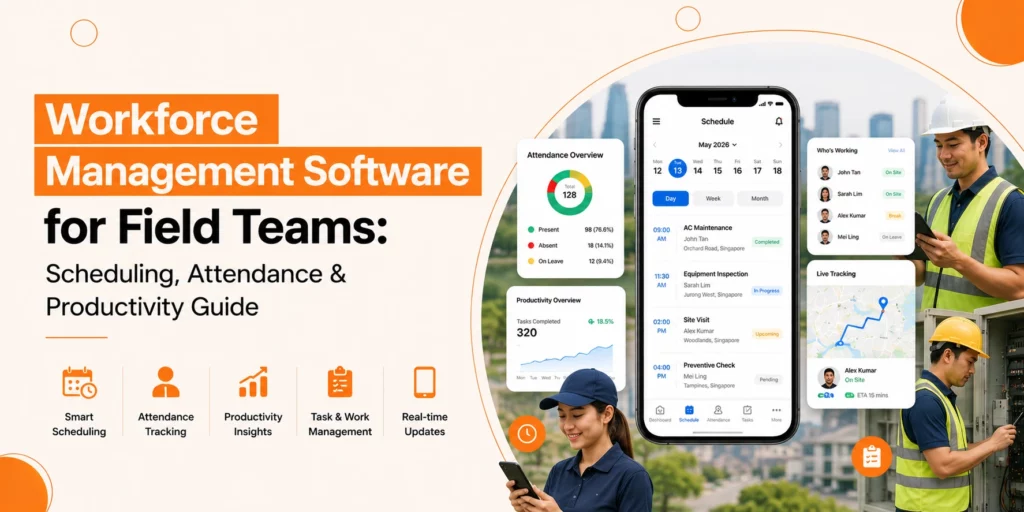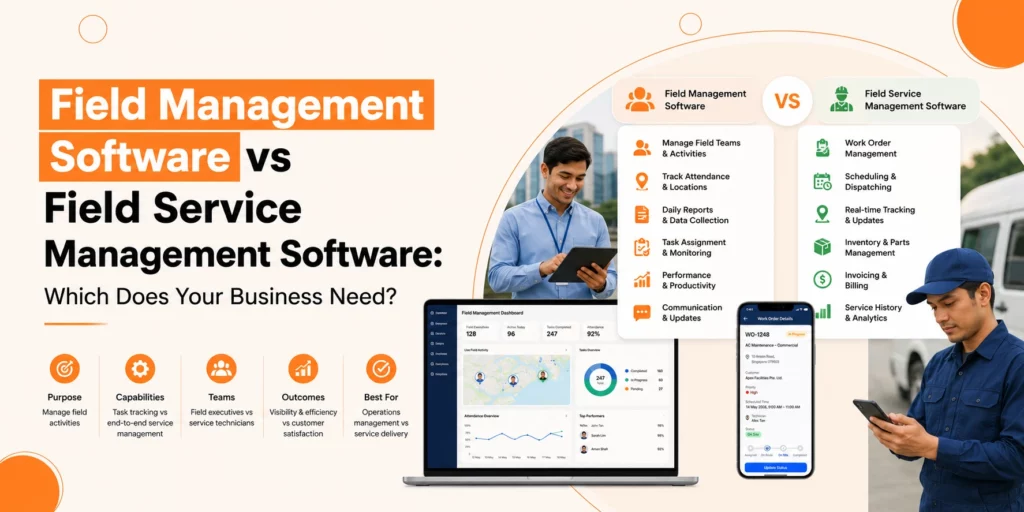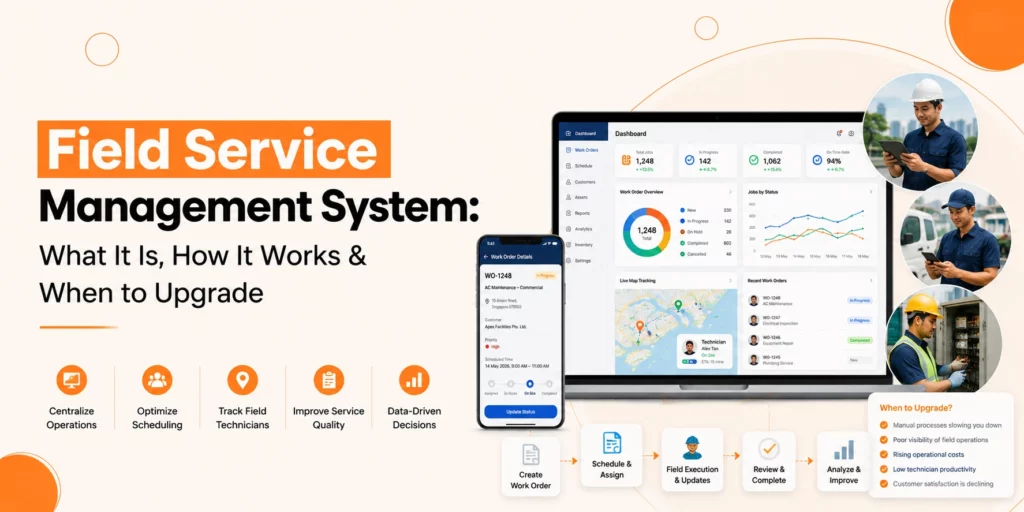






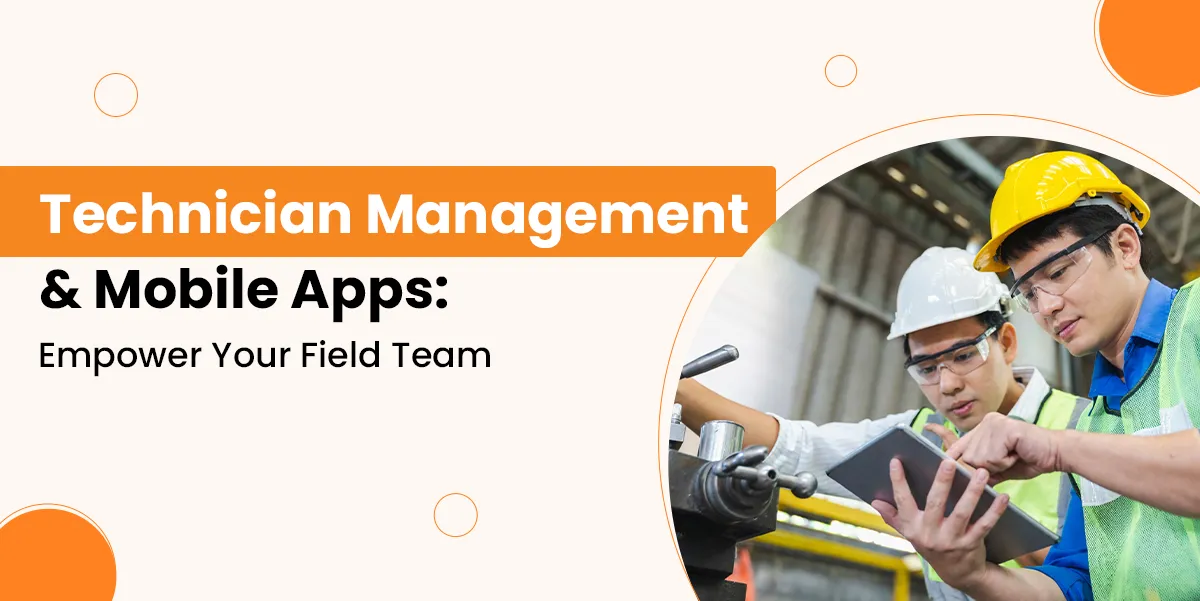
There is pressure on a field team that you need to manage every day. Technicians are expected to stay organised while working in several locations, jobs need to be assigned, and customers need immediate service.
Even the most skilled teams can not achieve success without the proper systems in place. Manual paperwork, delayed communication and missed updates led everything down.
This is actually where technician management software is useful. By merging mobile access, real-time updates, and intelligent scheduling, businesses are able to help technicians in an organised way.
The objective of this guide is to make you aware of the numerous ways in which technician management software, as well as mobile apps, are able to enable you to enhance accountability, simplify your field operations and allow your staff to provide greater results.
What is Technician Management Software?
This Field Technician App helps businesses organise, track, and improve their field workforce. It connects field technicians to managers in real-time. It also provides a centralised platform for scheduling jobs, tracking locations, collecting reports, and reviewing performance.
This type of software works through field technician apps, which run on mobile devices. These apps offer real-time access to job details, digital checklists, and work logs. They make it easier for technicians to do their jobs and for managers to track technician performance.
Why Field Teams Need Better Support
Field technicians are much more important as they are played important role for the company. If they’re late, or they’re not able to follow directions, or they’re uncertain of what they’re meant to do, it can impact the amount of trust the customers have. Frequently, the technician will be the issue. It is the lack of support and structure around them.
Many businesses still use old methods like long email chains or paper logs with spreadsheets. Which can:
- Confused schedules
- Missed job deadlines
- Double bookings or incomplete tasks
- Wasted time and fuel
- Frustrated customers
Modern field teams need more than clipboards and phone calls. They need clear, real-time communication, fast access to job details, and tools that guide them through their tasks. Without this support, even skilled technicians can struggle to deliver consistent results.
How Mobile Apps Empower Field Technicians
Real-Time Job Allocation
Mobile apps allow managers to assign jobs instantly as new job requests come in. Jobs are now sent straight to the technician’s mobile device, rather than requiring a call to locate someone available.
Each job comes with special notes, customer information, and complete directions. This can help reduce delays and enable technicians to plan their day much more efficiently. There will be a decrease in time between job receipt and job begin, which improves productivity and reduces idle time.
Location Tracking
Managers know precisely where technicians are all the time due to the GPS monitoring included in the software.
This improves proximity-based job distribution and also decreases travel time. If a customer calls asking when help is going to arrive, you can provide them with a precise answer.
It may even help you track out work hours and the motions of the technicians throughout the day. Managers will know if a technician is taking longer than expected, and that enables faster intervention or reassignment in case a technician is late or even takes more than required.
Digital Checklists and Forms
Lost or even ruined paper checklists tend to be easy to lose. There are electronic forms and checklists that a technician is able to use, walking through every step-by-step task on their mobile app.
This can make certain that nothing is missed during the job. Additionally, it helps keep a constant quality across your team. The forms may be customised to match various job types, enabling technicians to quickly record crucial data. Billing and reporting are also a great deal quicker as the digital format enables immediate submission.
Visual Proof and Reporting
Taking pictures or videos of finished work can help verify that jobs are done properly. Technicians may attach these files to their reports, providing supervisors as well as clients with a clear view of the completed job.
This helps to lessen customer disputes as well as improve trust. These records may also help managers determine areas for improvement and assess technician performance. It may also be utilised as a learning tool for upcoming jobs or training sessions.
Offline Access
A lot of field technicians operate in remote places where the mobile signal is inaccessible or weak. A technician productivity app that has offline capabilities enables them to keep on working with no interruption.
They are able to obtain job details and finish reports offline by filling out forms and downloading documents. All data is synced to the system automatically if you go back online. This makes sure that work will continue to flow no matter where you are situated, as a lack of signal does not necessarily imply a lack of productivity.
Field Technician Performance Tracking
Enhancing service delivery depends on tracking technician performance. Managers are able to track, such as the number of tasks a technician completes every day, which tasks were postponed, and how long jobs take.
You are able to obtain useful insights from performance data. You are able to see which technicians require extra training or support to accomplish tasks and which ones can get the task done quickly. Additionally, it allows you to manage your time and avoid burnout by setting proper task assignments and understanding the distribution of the workload.
Trends are shown in the technician administration software over time. You could assist if a technician’s performance drops considerably. You are able to change anything in case a new process creates delays. Better decision-making and more effective teams are the outcome when performance tracking is implemented.
Read Also: Why Mobile Apps Are a Game Changer for Field Service Technicians
How to Build Accountability in Field Teams
Let’s look at how mobile tools can help establish stronger accountability across your team.
Accountability is a common challenge in field service. Without clear oversight, tasks can easily be missed. Technician accountability tools help by recording every important action.
These tools track every part of the job. When a technician accepts a task, the time is logged. When they arrive at the location, the system records it.
Each step of the job, including photos, notes, and signatures, is documented. This complete history creates transparency.
With accurate records, it’s easy to handle disputes or customer complaints. You can check exactly what happened and when. It also helps technicians take pride in their work, knowing their efforts are recognised. Accountability builds trust both inside your team and with clients.
How Productivity Apps Help Technicians Work Smarter
A technician productivity app does more than just track jobs, as it helps technicians work more efficiently throughout the day. These apps act as a central hub for everything a technician needs, right in their pocket. Here are some of the most impactful benefits:
Clear task lists reduce confusion
Technicians start the day with a clear view of their jobs. Each task includes detailed instructions, priority levels, and timelines. This avoids missed tasks, overlaps, or delays caused by miscommunication.
Directions to job sites save travel time
Real-time navigation is supplied by integrated maps. The technicians utilize the quickest routes, steer clear of traffic delays, and lessen time on the road. What this means is a lesser amount of fuel costs as well as less stress, meaning more jobs being done at a lower cost.
Reminders help meet deadlines
In order to keep on the right course and meet your deadlines, reminders can aid you.
There are built-in notifications that notify technicians when a project is about to begin or when reports are due to be posted. These reminders help decrease forgetfulness and keep the work on time.
Digital forms speed up reporting
No more paper or manual data entry. With digital forms, technicians can log issues, tick off checklists, and submit updates in seconds. It saves time and ensures reports are legible and complete.
Access to job history prevents repeat visits
Technicians can view service records, previous fixes, and recurring issues on-site. This background helps them fix problems faster and avoid repeating work already done.
Built-in communication reduces delays
In-app messaging allows technicians to ask questions or send updates without waiting for callbacks or emails. Fast communication means fewer hold-ups on the job.
Improved focus and less stress
When technicians know exactly what’s expected, where to go, and how to report their work, they feel more in control. This confidence often leads to faster, higher-quality service.
What to Look for in Technician Management Software
Not all Field Service Management Software is created equal. Choosing the right one can make a big difference in how well your field team performs. Here are the key features to look for:
Ease of Use
The software should be simple to navigate. Your team should be able to learn it without lengthy training. A simple, clear interface helps prevent mistakes and saves time. If the system is difficult to use, technicians may avoid it, which leads to delays and confusion.
Offline Access
Field technicians often work in areas with weak or no signal. Good software should still function when offline. It should store data locally and automatically sync it once the device is back online. This ensures nothing gets lost, and work continues without interruption.
Real-Time Updates
Both field and office teams need to stay aligned. Changes to job details, like new instructions or timing adjustments, should reflect instantly on the technician’s device. Real-time visibility reduces miscommunication and improves response time.
Strong Reporting Tools
Look for software that captures invaluable information like Job completion rates, technician efficiency, time spent on duties, and customer comments. These insights help you make better business decisions as well as keep track of field technician performance.
Integration and Compatibility
Pick a system that works nicely with your current tools, whether it is your CRM, calendar, or communication system. This ensures an orderly and smooth workflow throughout the whole organisation.
Customisation Options
Every business works differently. Software should let you tailor forms, job types, checklists, and reports to match your specific needs without needing a developer.
Read Also: Choosing the Best FSM Software in 2026
Final Thoughts
Field operations aren’t based upon effort alone. They count on clear communication, awareness and structure. Technician management software offers the foundation. It simplifies the working of your office as well as field teams, reduces manual activities and also provides total control of scheduling, reporting and performance monitoring.
Technicians may make use of field technician apps to remain focused and organised. They can finish more work with fewer delays because of better access to job specifics, accountability tools, and real-time updates. Managers also get knowledge of technicians’ performance tracking, which allows for much better load balance as well as better choices.
Not only does the correct service technician software manage jobs, but it also ensures that all of the jobs are completed properly. It boosts productivity, creates trust, and also improves your reputation. Your business is going to move ahead with clarity and confidence when your technicians have the proper tools.