



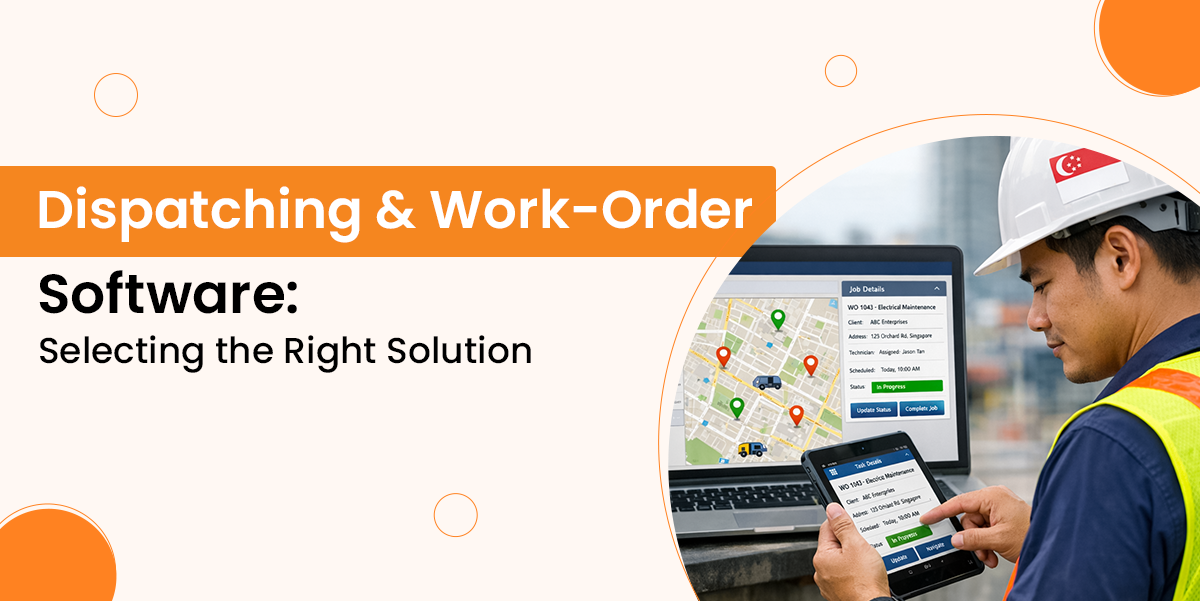
The dispatching software is a tool that helps businesses manage their daily tasks very effectively.
So, selecting the right solution can improve customer satisfaction, reduce costs, and simplify dispatching, whether you are leading a team of technicians through a large number of service calls or coordinating complex field tasks.
In this guide, you will explore work order dispatch software, its key features, needs, and understand how to evaluate the best dispatch software for your industry.
What is Dispatching Software?
The dispatching software is a digital tool used by service-based businesses to manage tasks for field teams or remote employees to plan, assign, and handle tasks.
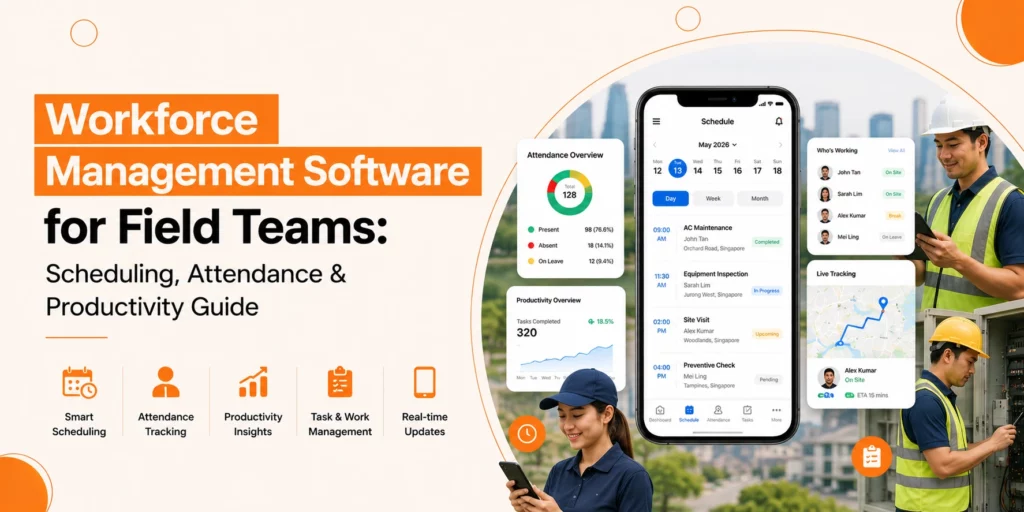
It enhances coordination between office staff and field technicians by offering real – time visibility of job status, team availability, and customer locations.
This particular type of software would include features such as GPS tracking, mobile access, drag-and-drop scheduling, and automated notifications.
Businesses can improve customer satisfaction, reduce response times, and also speed up response times by centralising dispatch operations.
Why Dispatching Software Matters?
Efficient Task Assignment and Field Visibility
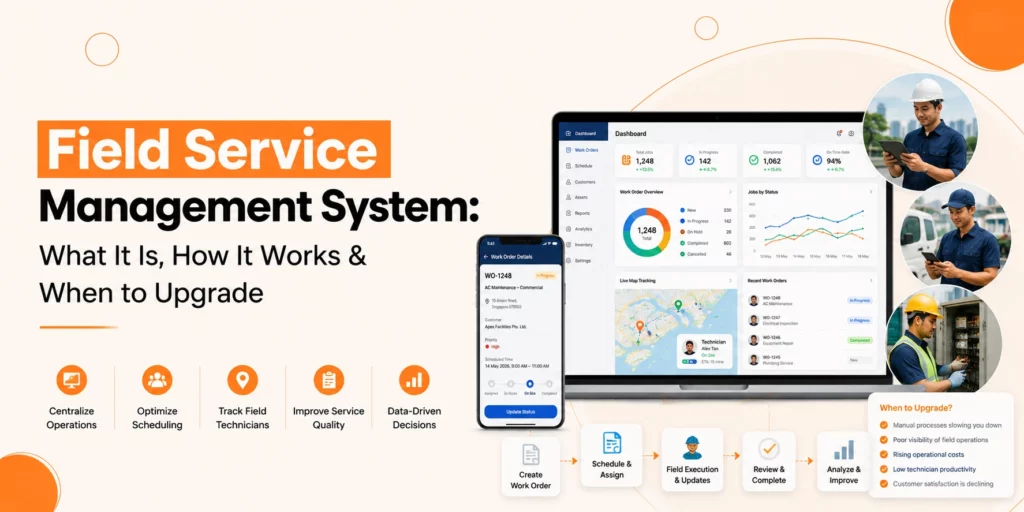
At its foundation, dispatching software enables service businesses to assign jobs quickly and monitor field teams in real time. Dispatchers can see who’s available, where they are, and how each task is progressing, all from a centralized dashboard.
Beyond Basic Scheduling
Modern dispatching technologies go well beyond basic scheduling. They have a lot of advanced features, including mobile functionality, performance analytics, automation, seamless integration with billing, inventory, and CRM. These capabilities eliminate manual work, improve communication, and offer valuable operational insights.
Tangible Business Benefits
Measurable and clear are the benefits of using the appropriate dispatching software. With it, businesses will experience faster response times, reduced missed appointments, accurate billing, and better customer service. This will lead to better client relationships and higher retention rates over time.
Also Read: Quick Guide on Work Order Management Software
Features to Look for in Work Order Dispatch Software
When looking for dispatching software, you should search for a system that offers features that can improve your field operations, minimize manual labor, and improve customer satisfaction.
1. Real-Time Dispatching and Scheduling
Your team’s availability may change at any time. So, having real-time visibility of technician locations, job statuses, and calendar availability allows dispatchers to make fast, informed decisions, which helps in lowering delays and increasing productivity.
2. Work Order Management
A comprehensive work order system is a must. So, look for software that enables easy creation, assignment, and updating of tasks. Features should include fields for customer details, service history, job notes, photos, and completion statuses.
3. Mobile Access for Field Teams
The field technician should be able to close tickets and look at schedules, monitor time, and upload job details from a mobile device. A robust mobile app guarantees seamless communication between the office and the field.
4. Automation Capabilities
Dispatch automation for service companies eliminates time-consuming manual tasks. Assign jobs automatically, create follow-ups, send appointment reminders, and reduce human error by simplifying operations and sending reminders.
5. Integration With Existing Systems
Your dispatch platform must be integrated with your CRM, accounting tools, and inventory management system, along with other critical software applications, to produce a single electronic ecosystem for your business.
Common Mistakes to Avoid When Selecting Dispatching Software
It can be years before you realize how critical the right dispatching software is going to be, but it’ll be a decision that will have an impact on your business for years. However, a lot of businesses find themselves falling into avoidable traps during the selection process. Here are some of the common mistakes you may want to avoid.
1. Focusing Solely on Price
While staying within budget, it is important to choose the most affordable option, which usually means sacrificing essential features, scalability, or support. Basically, you need to concentrate on the long-term value as well as the total cost of ownership, including training, support, and future upgrades.
2. Overlooking Scalability
Your business may grow by having more jobs, technicians, and regions. Failing to choose a solution that scales with your operations can lead to expensive migrations later. So look for software that can handle increasing complexity without performance drops.
3. Ignoring Field Team Needs
Dispatching software should work for your field technicians as well as your office staff. If the mobile interface is not good or lacks offline functionality, adoption will suffer. So, involve field users in the evaluation process to ensure usability.
4. Underestimating Integration Requirements
Choosing software that does not integrate with your CRM, billing, or inventory systems could result in information inefficiencies. Make sure your platform has robust integration options.
5. Neglecting Vendor Support and Training
Even the best software can not be successful in delivering results without the proper onboarding and support from the vendor. Ensure the vendor offers strong training resources, responsive support channels, and ongoing updates.
How to Choose the Best Dispatching Software for Field Teams?
Every business is unique, so along with the workflows and challenges that are unique to each and every business. Matching features with your operational priorities is the first step to choosing the right dispatching software. Here is the best way you can narrow your options effectively:
Understand Your Industry Requirements
Your core needs are determined by your industry. For example, HVAC and plumbing companies may require robust route optimisation while IT and telecom providers may prioritise asset tracking and protection compliance.
Home cleaning services or landscaping services are often far better served by tools that allow for repeated job scheduling. Selecting software customised to your industry guarantees a better functional fit and faster ROI.
Scalability
The best dispatching software for field teams will adapt as your company grows. Look for a solution that can handle increasing job volumes, user accounts, and additional service regions without affecting speed or reliability.
User Experience
If your team can not make use of the most advanced software available, then it might be ineffective.
Choose the platforms with a minimum learning curve, a clean interface, and simple navigation. This means faster deployment and better productivity because of a short onboarding time.
Customer Support and Training
Reliable customer service is critical. Choose a provider that offers responsive support, detailed documentation, live training, and good onboarding.
How is Genic Teams’ Dispatching Software Different from Others?
Genic Teams offers a comprehensive and customisable dispatching software solution that stands out due to its industry-focused design, real-time capabilities, and strong customer support. Here’s what makes us different from other dispatching solutions:
1. Industry-Specific Adaptability
Unlike many generic dispatch platforms, we offer a wide range of solutions for industries including HVAC, healthcare, engineering, marine, IT hardware & cleaning services. We make sure that you get tools designed with their unique workflows in mind.
2. End-to-End Field Management
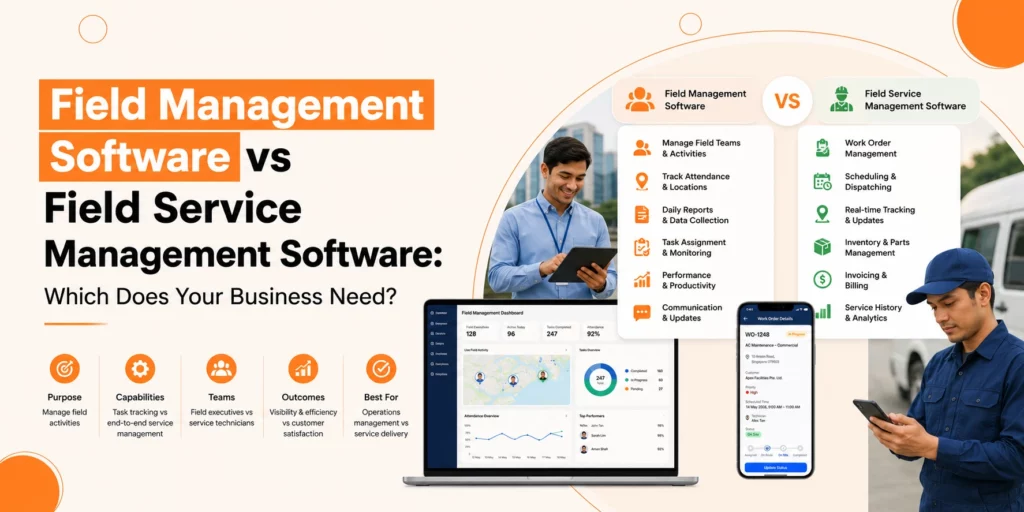
Genic Teams doesn’t just handle dispatching as we provide a complete FSM (Field Service Management) system which includes task creation, real-time scheduling, quote management, billing, inventory control, and CRM integration, offering a single platform for managing every step of a service workflow.
3. Real-Time Communication & Planning
With features like real-time task assignment, live updates, mobile app support, and e-signature collection, Genic Teams enhances responsiveness and coordination between office teams and field technicians.
4. Reporting & Analytics
Users can generate detailed performance reports, which help them to make data-driven decisions and improve operational efficiency.
5. Strong Local Presence & Support
Genic Teams’ local Support as well as responsiveness make it especially suitable for businesses in Southeast Asia looking for high-quality service and quick deployment.
Read Also: Best Scheduling Software for Cleaning Business
Final Thoughts
Dispatching software is not a one-size-fits-all. What matters is that the solution you choose aligns with your operational goals, connects with your systems, and supports the people who are at the front line of service delivery.
Whether you’re a startup field team or an enterprise organization looking to update, taking time to assess your requirements and compare dispatching solutions is going to pay off in long-term effectiveness as well as client satisfaction.
You can turn chaos into clarity, manual tracking for service businesses into dispatch automation, and missed opportunities into repeat business using the right platform.