









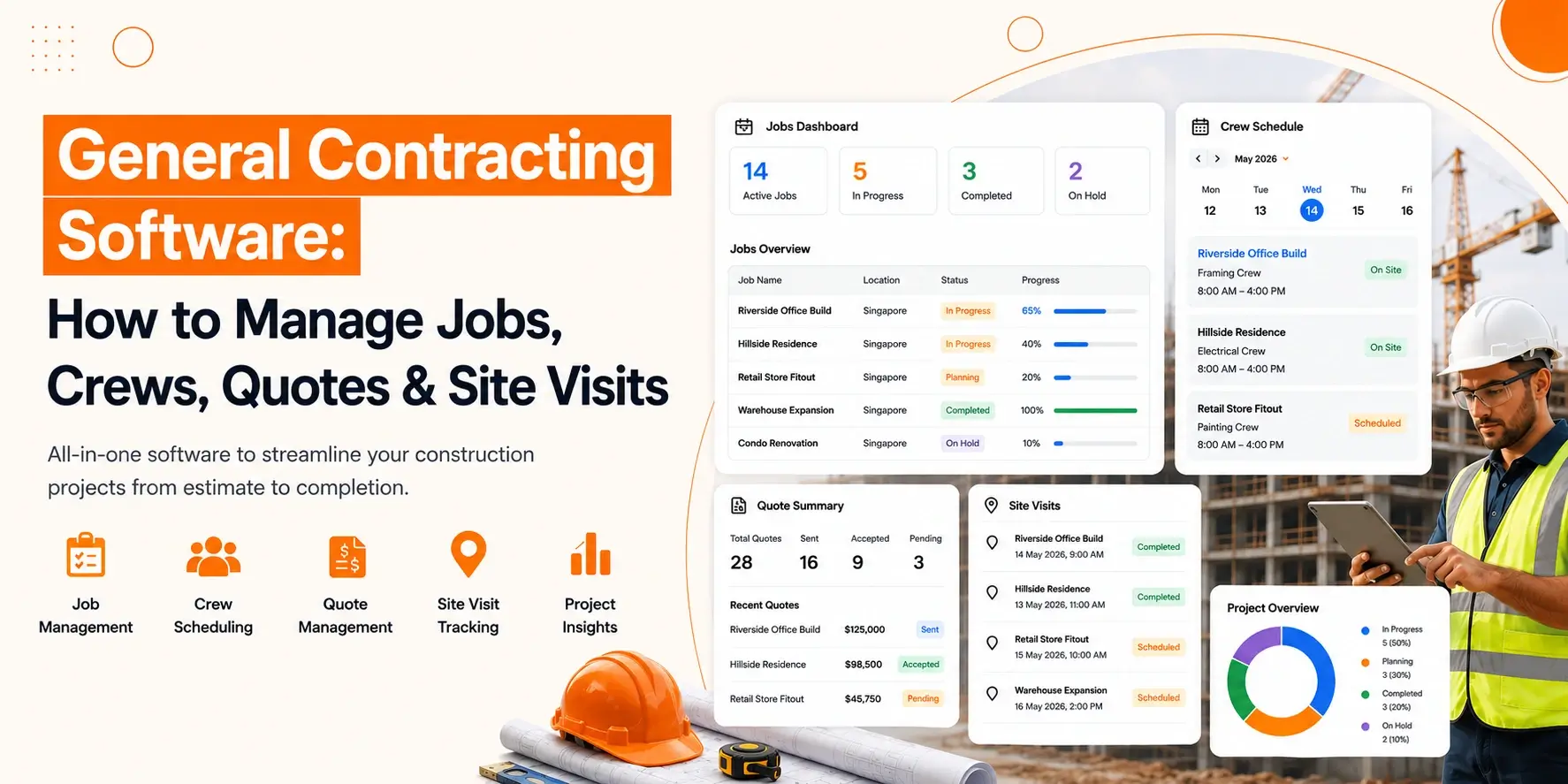
General contracting software helps contractors manage projects, crews, quotes, schedules, and site visits from one place. It keeps daily operations organised, improves communication, reduces manual work, and helps construction businesses complete jobs more efficiently and on time.
Running a contracting business means keeping many moving parts under control. One day, you are preparing quotes for new clients. Next, you are assigning crews, visiting job sites, checking progress, and making sure projects stay on schedule.
When information is scattered across notebooks, spreadsheets, phone calls, and text messages, it becomes harder to keep everything organised.
In this guide, you’ll learn what general contracting software is, why it matters, and how it helps you manage jobs, crews, quotes, and site visits more effectively.
What Is General Contracting Software?
General contracting software is a system that helps contractors manage projects, create quotes, schedule jobs, organise crews, and track site visits from one place. It simplifies daily operations, improves communication, and helps construction businesses complete projects more efficiently.
It can support tasks such as:
- Managing ongoing projects
- Creating customer quotes
- Scheduling work
- Assigning crews
- Tracking job progress
- Recording site visits
- Managing project documents
- Monitoring labour hours
Businesses choose to operate their main business activities through their established data processing center. Team members can access project details at their designated locations while managers track progress and clients receive timely updates.
Small business owners who operate with limited staff need general contracting software to handle their administrative responsibilities. The system, which operates as a basic framework, allows business owners to spend less time on documentation while they dedicate their efforts to producing excellent work.
Why Contractors Need Better Job Management
Contractors need better job management to keep projects organised, reduce delays, improve communication, control costs, and make sure every job is completed on time. A structured process also helps teams respond quickly when schedules or project requirements change.
Without a clear process, small issues can become expensive problems.
Better job management helps contractors:
- Keep projects on schedule
- Improve communication between office staff and field teams
- Reduce missed appointments
- Track labour and project costs
- Respond to clients faster
- Reduce paperwork
- Improve overall productivity
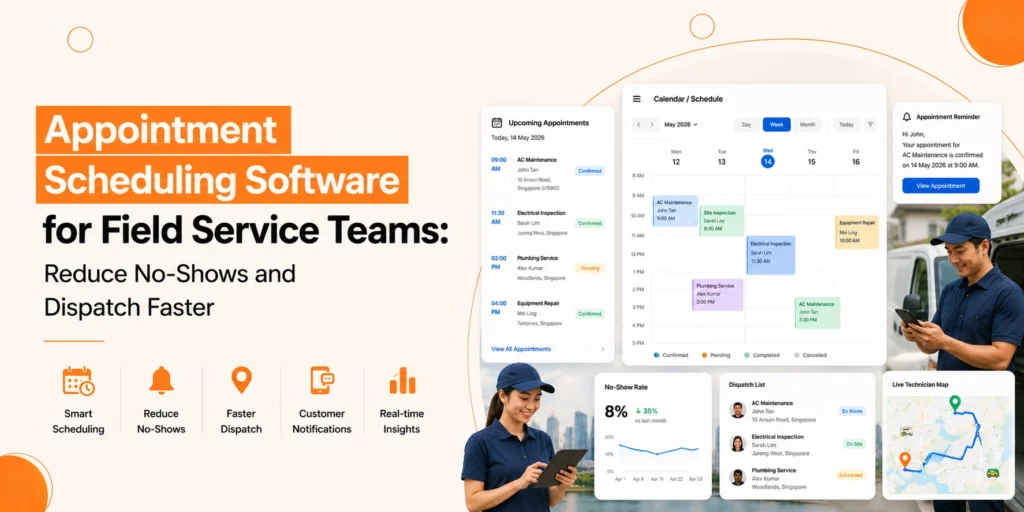
Construction scheduling software allows contractors to manage their work activities across multiple projects while preventing scheduling conflicts between different assignments.
Clear schedules help people understand their specific locations, while they also understand their assigned work responsibilities.
How to Manage Jobs from Start to Finish
To manage jobs from start to finish, contractors should organise project information, create clear schedules, monitor progress regularly, communicate with crews, and review each stage before moving to the next. This helps projects stay on track from planning to completion.
Organise Every Project from Day One
Create a dedicated record for every project. Include details such as:
- Client information
- Site address
- Scope of work
- Important dates
- Documents
- Permits
- Progress updates
Keeping everything together makes it easier to find information whenever it is needed.
Build Clear Project Timelines
Every project should have planned milestones. Break larger projects into smaller tasks with realistic completion dates.
This approach allows contractors to monitor progress and identify delays before they become serious problems.
Many businesses use construction scheduling software to keep these timelines organised and adjust schedules when unexpected changes occur.
Keep Teams Updated
Projects move faster when everyone has access to the latest information. Regular updates help crews understand:
- Daily priorities
- Schedule changes
- Material deliveries
- Safety requirements
- Customer requests
Clear communication reduces mistakes and unnecessary delays.
Track Progress Regularly
Waiting until the end of a project to review progress often creates surprises. Instead, monitor work throughout the project. Regular progress checks help identify:
- Delayed tasks
- Resource shortages
- Budget concerns
- Quality issues
Early action helps projects stay on track.
How to Create Accurate Quotes Faster
Contractors can create accurate quotes faster by using standard pricing, preparing reusable quote templates, including all project costs, and reviewing estimates before sending them to clients. This saves time while reducing pricing errors.
Use Standard Pricing
Maintain an up-to-date list of labour rates, material costs, and common services. This saves time while keeping pricing consistent across every project.
Create Repeatable Quote Templates
Many projects follow similar patterns.
Using standard templates allows contractors to prepare estimates more quickly while maintaining accuracy.
Templates also ensure that important information is not forgotten.
Include Every Cost
Accurate quotes should cover:
- Labour
- Materials
- Equipment
- Travel
- Permits
- Contingency costs
Leaving out small expenses can reduce profit over time.
Review Before Sending
Take a few minutes to review every quote before sharing it with the client. Check measurements, pricing, and project details carefully. Small errors are much easier to fix before work begins.
How to Manage Crew for Better Resource Management
To manage crews effectively, contractors should assign the right workers to each job, balance workloads, monitor attendance, plan schedules carefully, and adjust resources when project needs change. Better crew management improves productivity and reduces downtime.
Assign the Right People to the Right Jobs
Every crew member has different skills and experience. Match workers with projects that suit their expertise. This improves quality while reducing delays.
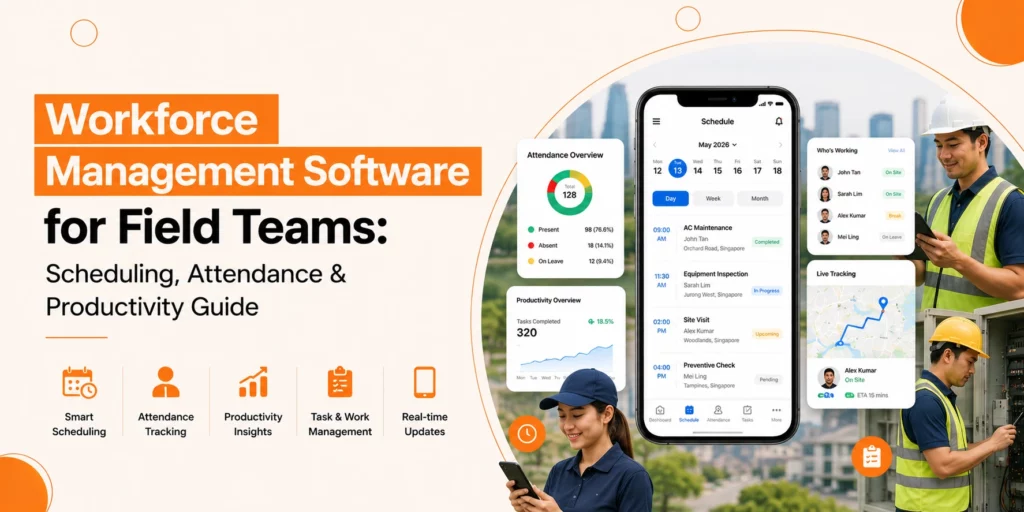
Many businesses use contractor workforce management software to organise teams and monitor availability.
Balance Workloads
Avoid assigning too much work to one crew while another team has spare capacity. Balanced workloads improve efficiency and reduce worker fatigue.
Track Attendance and Working Hours
Knowing who is on site helps managers make better decisions throughout the day.
Many crew dispatch and tracking tools provide clear visibility of workforce activity without relying on manual records. Accurate attendance records also simplify payroll and project costing.
Improve Crew Scheduling
Scheduling becomes more difficult as projects increase. Using contractor job scheduling software allows contractors to organise work based on:
- Worker availability
- Skills
- Job location
- Project priority
This helps reduce scheduling conflicts while making better use of available resources.
Respond Quickly to Changes
Construction projects tend to deviate from their original plans during the building process. Managers need to adjust their crew assignments when projects experience delays because they must prevent any harm to other ongoing projects. The system allows projects to continue their work because it offers adaptable solutions that handle unplanned obstacles.
How to Manage Site Visits More Effectively
Contractors can manage site visits more effectively by planning inspections in advance, recording progress during every visit, taking photos, documenting issues, and sharing updates with the team. Regular site visits help maintain quality and keep projects moving smoothly.
Plan Visits in Advance
Create a schedule for regular site inspections. Avoid waiting until problems appear. Regular visits make it easier to maintain quality throughout the project.
Many contractors also combine this process with contractor dispatch software to organise travel between multiple job sites more efficiently.
Record Findings During Every Visit
Each visit should include notes about:
- Completed work
- Outstanding tasks
- Safety observations
- Material requirements
- Client feedback
Keeping detailed records creates a clear history of every project.
Take Photos
Photographs provide valuable evidence of work completed. They also help explain progress to clients and support future project reviews.
Share Updates with the Team
After every site visit, communicate important findings with office staff and field crews. Quick updates reduce confusion and allow issues to be resolved sooner.
Improve Daily Planning
When contractors manage several projects at once, travel time becomes an important factor.
Using contractor dispatch software alongside organised schedules helps reduce unnecessary travel and improve response times.
Many teams also rely on crew dispatch and tracking tools to understand where workers are throughout the day and make informed scheduling decisions.
Choosing the Right Solution
Every contracting business works differently, so there is no single approach that suits everyone.
When comparing options, look for features that help you:
- Manage projects in one place
- Schedule jobs and crews
- Create accurate quotes
- Track project progress
- Record site visits
- Store important documents
- Improve communication
- Monitor workforce activity
If you run a growing business, choosing general contracting software for small contractors with room to expand can help support future growth without changing your entire workflow later.
Conclusion
Overall, Construction project management includes multiple responsibilities that extend beyond the actual work performed at the construction site. The process of construction management requires contractors to handle multiple tasks, which include job coordination, quote preparation, crew scheduling, progress tracking, site inspections, and client communication throughout the entire process.
The right general contracting software enables users to combine multiple tasks into a single, organised workflow system. The system creates better communication between team members while enabling them to develop improved plans, and contractors receive full control of every project stage.
A well-structured system will help you decrease project delays while boosting operational efficiency, which leads to enhanced customer service for your business and its customers.