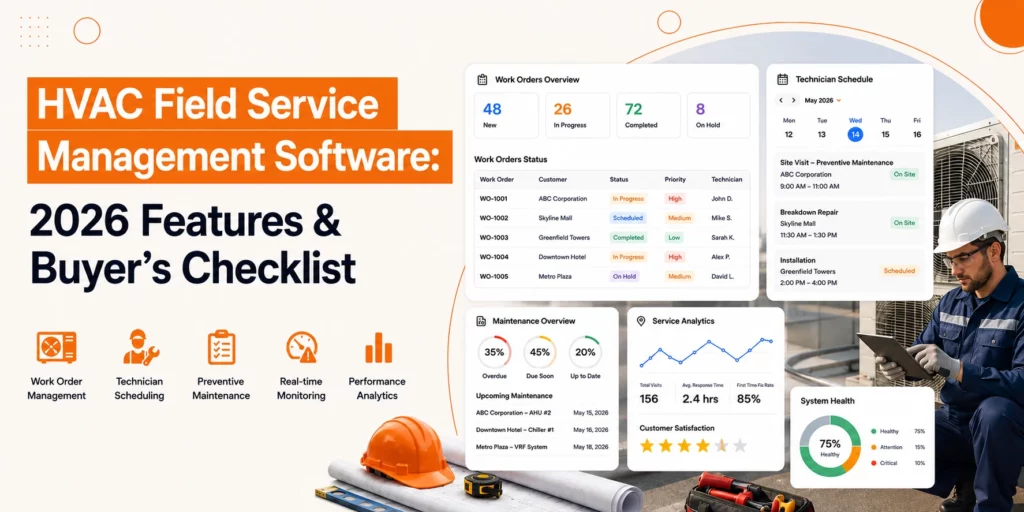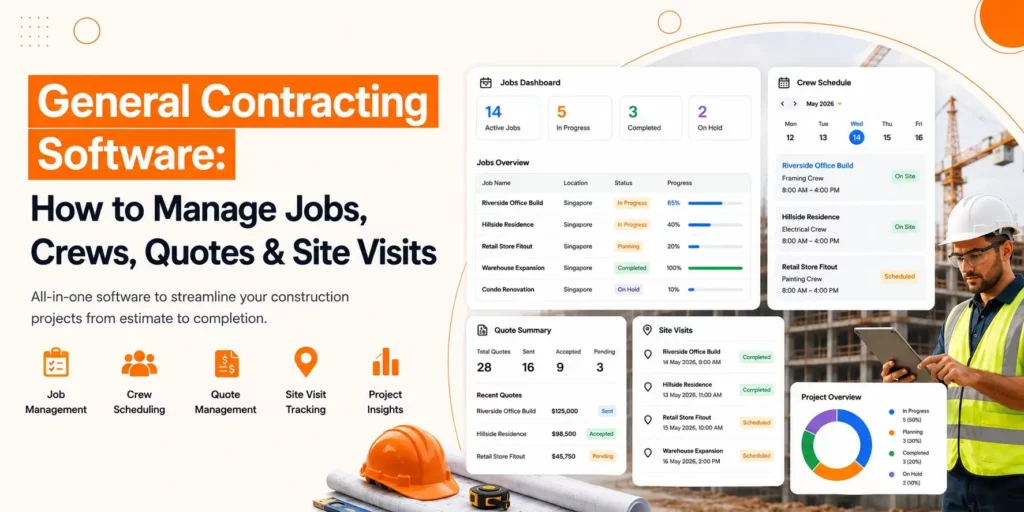













Field service management (FSM) software helps businesses plan, manage, and optimise field operations by automating scheduling, dispatching, work orders, technician management, and customer communication. If you’re wondering how to choose field service management software, focus on features, scalability, integrations, ease of use, and long-term business value. The best field service management software improves productivity, reduces operational costs, and helps organisations deliver faster, more reliable service.
In 2026, the demand for top field service management software is rapidly growing for various industries like retail, marine, manufacturing, and technology to stay ahead in business.
In this guide, you will learn everything about FSM, like why it matters in 2026, its important features, factors to consider while choosing the best system, and also the best platform discussed.
What is Field Service Management (FSM) software?
Field Service Management software is a digital solution that helps businesses manage field operations by scheduling jobs, assigning technicians, tracking work in real time, managing customer information, and streamlining service delivery.
It improves operational efficiency, reduces manual work, and enhances the overall customer experience.
Why Choosing The Right FSM Tool in 2026 Matters
Choosing the best field service management software in 2026 is important because the industries are going through a significant transformation, driven by technological advancement and workforce dynamics. Let’s explore why picking the FSM is essential:
1. Addressing Workforce Challenges
The FSM tool supports mobile-friendly features like AR help, digital guides, and voice commands. These tools make complex tasks easier for new technicians and help them to learn from experienced staff. Easy and modern software also attracts younger workers who expect simple digital tools that make their work easier.
2. Using Advanced Technologies
In 2026, the utilisation of Artificial Intelligence and the Internet of Things is broader, apart from just theoretical concepts. AI-enabled scheduling and dispatching optimise the routes in real-time based on locations, skills, and traffic, which helps to enhance productivity and reduce costs. IoT helps the FSM to predict maintenance needs before they lead to issues and give alerts so that management can take essential actions to save the machine from failure.
3. Better Operational Efficiency and Cost Reduction
FSM software automates everyday tasks, such as creating work orders, sending invoices, and generating reports. It reduces admin work and cuts down mistakes made by manual work. With a better workflow, teams can complete more jobs, leading to increased productivity.
Essential Features to Look for in the Best Field Service Management Software
When selecting a top field service management software, look for the following must-have features available in the system. Some of the most important FSM features are:
- Work Order Management: This feature of Field Service Management automatically receives service requests and converts them into work orders, which include customer information, tasks to be performed, and other necessary details. This feature helps to speed up operations, reduce manual entry, and ensure all technicians have up-to-date information for particular work.
- Job Scheduling: Scheduling is one of the most important features of FSM, and it offers the ability for the system to schedule jobs for technicians based on their skills, availability, and work efficiency. The main aim of using this feature is to reduce delays and improve productivity.
- Inventory Management: These features help the system track the stock level of equipment so that when technicians require them, they will be available. This feature also alerts the manager when the stock is going to be empty to ensure that work can continue without effort.
- Mobile Access: Mobile applications give technicians everything they need in their hands. With the mobile support, technicians can schedule jobs anytime, find parts, seek help, and even generate invoices. There is no need to carry the whole system with you as you just need a phone and all system works for you everywhere.
- Third Party Integration: Integration capabilities allow the FSM to easily connect with your system, such as CRM and other systems.
Read Also: Benefits of Field Service Management Software
Who Uses Field Service Software?
Do you wish to run your business operations smoothly? Field service management software is ideal for your organization. Now, let’s discuss who can use field service software.
Technicians
FSM Software comes with a field service management app that keeps technicians aware of the tasks they have to perform in a particular field service. And when a task is completed, they can also update it through the mobile app. The schedule of daily business operations is also notified to technicians via the mobile app. The benefit of this app is that it not only reduces the paperwork but also improves communication, which allows for providing better services. Some of the common features that you should look for are scheduling, invoicing, payments, quotes, and reservations.
Team managers
The job of a team manager is to manage all the business operations smoothly and efficiently, and to keep track of technicians’ movements throughout the day. With the field service management app, the managers can now keep a record of all the team members and ensure they are working efficiently and providing the services in a timely. The managers can also schedule the technicians to do a job according to their capabilities through this app. When a manager can manage everything through a mobile app, it will ultimately improve customer service and bring efficiency to the business.
Scheduling, dispatching access, contracts in quotes, payments, and team job view are some of the features that you will find helpful accessing through a mobile app.
Dispatchers
Logistics plays an important role in a field service or any business, for that matter, you’re required to schedule the tasks and meet the timelines. The field service management app allows the dispatcher to automate the scheduling, which saves their time. While getting the FSM mobile app customized, look for features such as organization by technician specialty, automatic text notifications, drag-and-drop scheduling, and automated scheduling.
Finance and Accounting
Finance staff must be aware of all the activities that are taking place to keep up with the accounts; they do so by receiving automatic notifications and reminders. Besides, the field service management app digitalizes the payment process, and it also generates automatic payroll for employees.
Features to look for are mobile payments, payroll software integration, and accounting and bookkeeping services.
How to Choose the Best Field Service Management Software in 2026?
The best way to choose field service management software in 2026 is to identify your business goals, shortlist industry-specific solutions, compare features and integrations, evaluate security and scalability, and select a provider that offers reliable support and long-term value.
The right software should improve efficiency, automate routine tasks, and support your business as it grows.
Step 1: Define Your Business Goals
Start by analysing your current field service operations and finding the issues like scheduling delays, misplaced paperwork, or slow invoicing. Then set clear goals for your new software, such as improving first-time fix rates, cutting costs, or improving customer experience.
Finally, take feedback from the team, like field technicians, dispatchers, and accounting staff, since they use the system daily and can give valuable insights that help to define goals more clearly.
Step 2: Shortlist Industry-Specific Solutions
Not every field service management platform is built for every industry. Look for software designed for businesses such as HVAC, electrical services, plumbing, telecommunications, utilities, or facilities management.
Compare vendors by reviewing customer feedback, independent review websites, product demonstrations, and real customer case studies. Focus on providers with a strong reputation for reliability, regular product updates, and responsive customer support.
Create a shortlist of solutions that best match your business needs and budget.
Step 3: Evaluate Features, Automation, and Integrations
Modern field service management software should do more than manage schedules. Look for features that improve efficiency and reduce manual work.
Key capabilities to consider include:
- Smart scheduling and automated dispatching
- Mobile apps with offline access
- Digital job sheets and electronic signatures
- GPS tracking and route optimisation
- Customer self-service portals
- Predictive maintenance and asset management
- Real-time reporting and dashboards
- Integration with CRM, ERP, accounting and inventory systems
- Workflow automation and intelligent job recommendations
If possible, request a live demonstration or free trial. Test both the desktop platform and the mobile app to ensure they are easy for office staff and field teams to use.
Step 4: Check Scalability, Security, and Vendor Support
Choose software that can grow with your business. It should support additional users, new locations, and expanding service operations without requiring a complete system replacement.
Security is equally important. Look for vendors that provide secure cloud hosting, regular software updates, data encryption, and role-based user permissions to protect business information.
Also, review the support options. Reliable onboarding, staff training, knowledge resources, and responsive technical support can make implementation much smoother.
Finally, calculate the return on investment by comparing the field service management software provider cost with the time and money the solution will save through better efficiency and productivity.
Explore the Top Field Service Management Softwares
Top Field Service Management Software to choose from
The best field service management software in 2026 comes with several options, depending on business size, industry needs, and desired features. The best software for your business will rely on your specific needs, whether you want FSM software for small business or a large enterprise. Let’s have a look at some of the best Field service management tools for your business, as shown below:
1. Genic Teams
Genic Teams is a smart field service and workforce management software built for businesses that need better control over their service teams, scheduling, and field operations. It supports companies in handling repairs, installations, and routine service tasks. The system capabilities are:
- Job scheduling and quick technician dispatch
- Real-time tracking and status updates
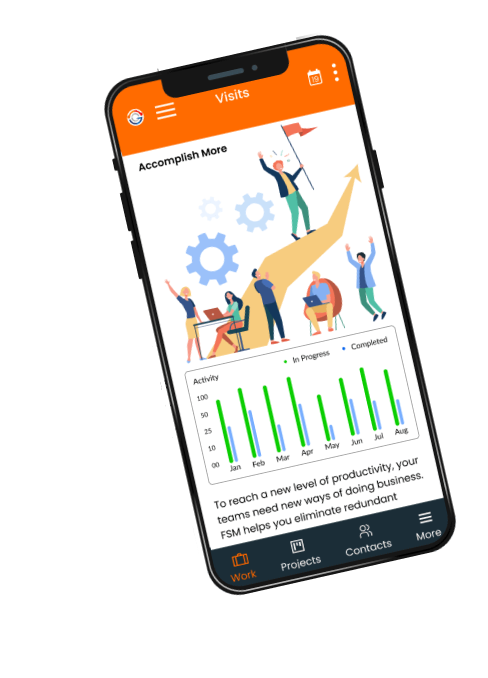
- Mobile app for field staff
- Work Order and Task Management
- Managed Everything at one Centralised platform
Genic Teams reduces management work by improving team coordination, which leads to a boost in service quality by giving businesses clear visibility into ongoing jobs. The tool is best for small and large-scale service providers looking for a single platform to manage field operations, organise teams, and deliver consistent service.
Website: https://www.genicteams.com/
Email: [email protected]
2. Jobber
Jobber is known for its user-friendly interface. It is best suited for small to mid-sized home services like plumbing, electrical, and cleaning, which need easy scheduling, quoting, and invoicing.
3. Freshdesk FSM
Freshdesk FSM is famous because it combines IT support and field service scheduling in one platform, which makes it ideal for companies that handle both customer support and on-site work. With affordable pricing, it works well for SMBs with IT support and maintenance needs.
4. ServiceMax
This tool is designed for heavy industrial sectors such as manufacturing, aviation, energy, and medical devices, which makes it a good choice for organisations to manage complex and high-value equipment.
5. GeoCall
The tools primarily deal with sectors like Oil & Gas, Industrial Manufacturing, and transformation. It helps the business to manage infrastructure, maintenance, installations, and quick responses.
FAQs
Yes. FSM software increases productivity by automating routine tasks such as scheduling, work order creation, invoicing, and reporting. It reduces manual errors, speeds up field operations, and helps technicians complete more jobs in a day through better planning and real-time updates.
In 2026, AI plays a major role by improving scheduling accuracy, predicting job duration, suggesting the best technician based on skills, and analyzing historical data to prevent delays. AI also enhances customer communication through automated updates and smarter service recommendations.
By 2026, FSM technology will have become more mobile, intelligent, and connected. It now uses IoT sensors for real-time equipment health monitoring, AI for predictive maintenance, and cloud platforms for seamless collaboration. This evolution helps businesses deliver faster, more reliable service.
To perform a clear top FSM tools comparison, evaluate solutions based on core features, ease of use, mobile app quality, pricing, customer support, integration capabilities, and scalability. Always test through demos or free trials, gather team feedback, and review vendor ratings and case studies.
Industries like HVAC, plumbing, electrical, telecom, manufacturing, utilities, renewable energy, home services, and medical equipment maintenance benefit the most. These sectors rely heavily on field teams, assets, and timely service, making FSM software essential for smooth operations.