










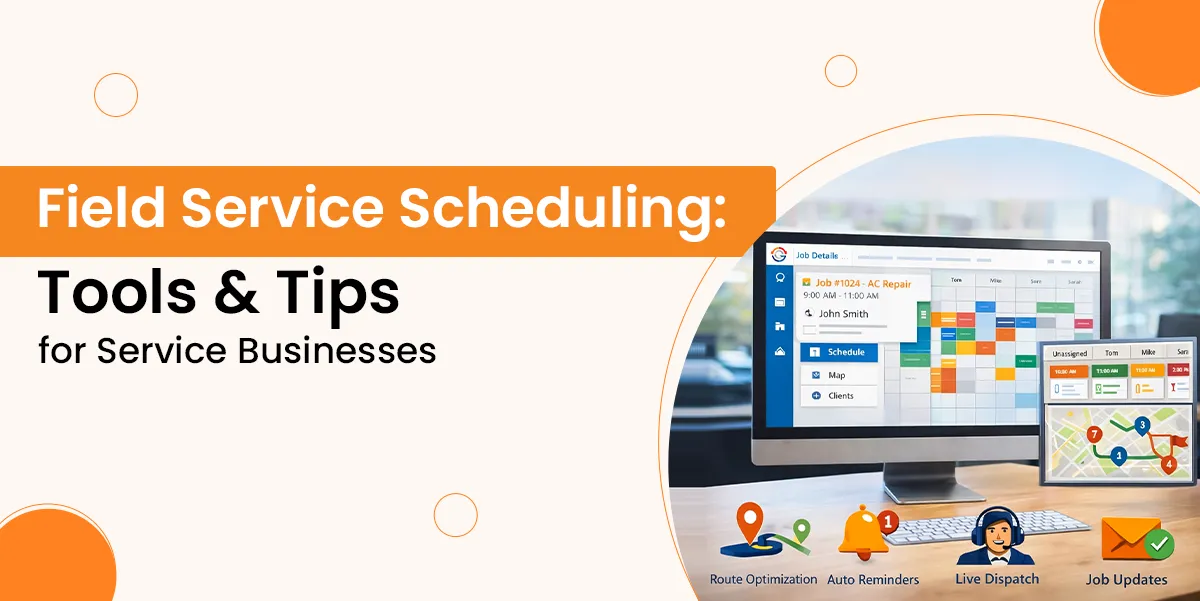
If you run a service business, you need to look after your team that’s always on the move. Timing is everything when it involves deliveries, installations, inspections or maintenance. A missed appointment or scheduling mistake can result in lost revenue, stressed teams, and unsatisfied clients.
Because of this, field service scheduling has to be much more than a list of things being scheduled, as it must be a system that is organised and will keep every person on course.
This blog provides some excellent insights and tips that will help you enhance your scheduling process. Whether you operate a small repair company or even manage an expanding field service team, these tips can enable you to lessen delays, enhance service, and expand your business.
In this guide, you will explore some of the best tips for your field service scheduling app as it will help your service to utlise at its peak and more.
Why Field Service Scheduling Matters
Keeps Teams Organised
For the efficient management of mobile workers, field service scheduling is crucial. If a team is spread throughout several locations, timing is everything.
A well-planned schedule prevents misunderstandings, makes sure everybody knows exactly where they have to be and also helps with smooth task execution.
Reducing Delays and Missed Jobs
Downtime between appointments can be reduced by effective scheduling. This reduces the chance of late arrivals or even missed duties, and also keeps both field staff and customers satisfied. Technicians are able to do more jobs in a day if schedules are clear.
Customer Experience Enhances
A reliable and fast service is the thing that makes customers satisfied. Using structured scheduling, meetings are kept on schedule, and reminders are a lot less complicated to send out. Customers appreciate knowing when to expect a like, particularly when delays arise.
Supports Business Growth
As service businesses grow, manual methods no longer work. A field service scheduling app offers scalability, helping you take on more clients without losing control. It’s not just a process as it’s a business advantage.
Read Also: What Is a Field Service Management (FSM) System?
Signs Your Scheduling System Needs a Fix
Frequent Double-Bookings
If your team often arrives at the same job twice or misses bookings altogether, your system needs improvement. Overlapping appointments suggest poor visibility and communication.
High No-Show Rates
Clients missing appointments may be a sign that reminders aren’t sent on time. A strong field service scheduling app helps reduce no-shows with automatic alerts and confirmations.
Long Gaps or Idle Time
Unplanned downtime wastes resources. If your field staff spends too much time waiting or travelling, your system isn’t optimising their day.
Delayed Job Updates
When technicians or dispatchers don’t get job changes in real time, confusion and errors follow. Real-time scheduling prevents these issues.
Overwhelmed Staff
Your system might be old if your administration team is continuously chasing telephone calls, emails, or sticky notes. Smarter tools keep everything in sync and minimise stress by substituting manual techniques.
Effective scheduling will save time, cash, and reputation. These are signs that you need to modernise your approach.
What are the Benefits of Digital Scheduling?
Going digital is the smart way forward. Here’s why:
Real-Time Updates
Digital scheduling tools let your team get live updates. If a job changes or gets cancelled, they know right away.
Better Route Planning
Map-based systems help you assign jobs based on the tech’s location. This saves time and fuel.
Fewer Mistakes
With everything in one place, it’s easier to track jobs, customer info, and schedules. This avoids double-booking and forgotten tasks.
Improved Customer Experience
Clients can get reminders and updates. They don’t need to chase you for answers.
Read Also: Best Field Service Management App
Best Tips For Field Service Scheduling
Managing a service team takes planning. Here are useful field service scheduling tips to help you:
Match Jobs to Skills
Assign tasks based on technician strengths. A well-matched job leads to better outcomes and fewer return visits.
Group Jobs by Area
Save time and fuel by planning routes wisely. Scheduling jobs close together helps your team work more efficiently.
Leave Room for Delays
Always allow a small buffer between jobs. Traffic, long tasks, or late starts happen like planning prevents missed appointments.
Prioritise High-Value Work
Jobs aren’t all the same. To start, you need to slot in lucrative or urgent jobs. Tasks having a lower priority could be bundled or delayed.
Keep Everyone Informed
Make use of tools to instantly inform the staff of any changes. Clear communication prevents trips and misunderstandings.
Track Job Performance
Keep tabs on just how long each task takes. This decreases guesswork and also enhances potential scheduling.
Field service scheduling tips such as these will help you develop a routine that your team will love, and that will keep your clients satisfied.
How to Schedule Appointments Better
Confirm with Clients Early
Always double-check times with clients when they first book. Offering two or three time slots makes it easier for them to choose. This reduces back-and-forth and speeds up the booking process.
Send Appointment Reminders
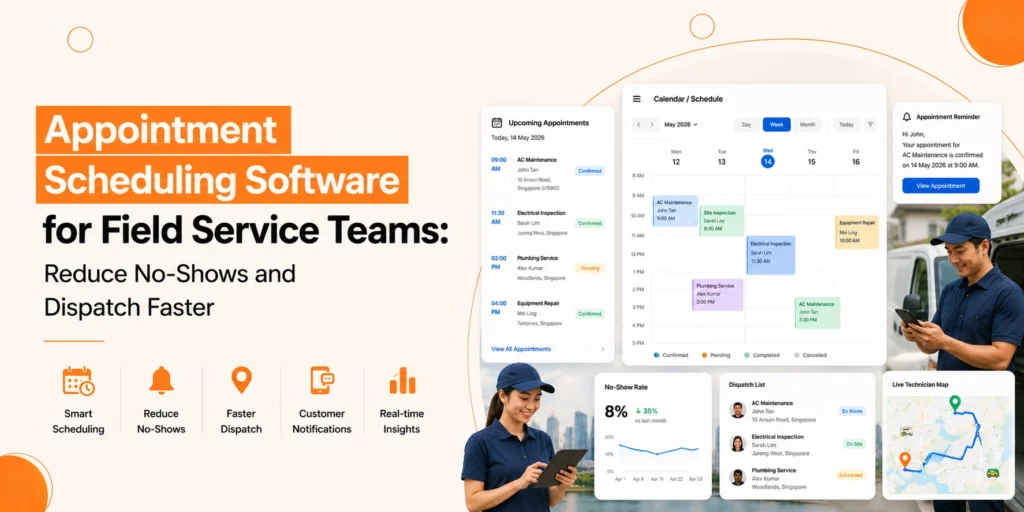
A reminder one day before an appointment helps avoid no-shows. Text or email is ideal. Letting customers confirm or reschedule gives you time to adjust your day.
Use Appointment Windows
Instead of setting exact times, give a 1–2 hour window. This allows for travel and unexpected delays, while still keeping customer expectations realistic.
Plan Based on Technician Location
Assign jobs to the technician closest to the site. This cuts down on travel time and helps technicians keep to schedule.
Be Flexible with Rescheduling
Make it easy for clients to change their booking if needed. A last-minute change shouldn’t throw off the entire day. A flexible approach helps keep the schedule full.
When you schedule appointments with clarity and structure, you keep both your team and your clients in sync and your day on track.
How to Plan Deliveries Alongside Service Calls
Parts deliveries, tools, or completed projects could be managed by a lot of service businesses. It is often challenging to balance this with frequent appointments. That is why it’s as vital as scheduling your jobs as preparing your deliveries.
Efficient delivery scheduling software for small businesses can help to guarantee smoother operations for small teams. It decreases the need for unneeded trips across town to manage delivery times with technician routes.
Certainly not as an afterthought, but within the service calls, should delivery slots be slotted Try to keep delivery size, place, and urgency in mind. If at all possible, let customers select delivery windows to avoid missed drops.
Smaller-sized businesses could benefit from preparing deliveries during off-peak traffic hours or even grouping deliveries by area. This raises the number of stops a team is able to make each day and saves them time and fuel.
Well-timed deliveries also help streamline logistics and enhance customer care. Even a small team can deal with big volumes with less effort as well as fewer delays with great planning.
What to Look For in Small Business Scheduling Tools
Simple Interface
Your scheduling tool should be easy to use, even for staff who aren’t tech-savvy. A clear dashboard, calendar view, and drag-and-drop scheduling make daily planning fast and simple.
Mobile Access
Field staff need to see updates on the go. Make sure the tool works well on smartphones and tablets. Mobile access ensures your team always has the latest job info.
Real-Time Updates
Schedules change often. Your system should support instant updates to job details, timing, and locations. This avoids confusion and missed tasks.
Job and Client History
Keeping track of past jobs and customer details helps provide better service. It also speeds up future bookings and planning.
Scalability
A good system grows with you. Choose something flexible that can handle more jobs, more clients, and more team members over time.
Small business scheduling tools don’t need to be complex. Focus on what helps your team stay organised, connected, and productive without adding stress or extra steps.
How to Train Your Team for Scheduling Success
Start with Clear Processes
Before introducing any new tool, make sure your team understands the basics. Explain how schedules are made, what the priorities are, and how tasks are assigned. Clarity at the start prevents confusion later.
Involve the Team in Setup
Ask your field team for input when setting up your system. They know the challenges on the ground, and their insights can help shape better scheduling rules and routines.
Provide Hands-On Training
Don’t just send out instructions, but run training sessions. Let team members try the system, make bookings, and see how updates appear. Hands-on learning builds confidence.
Communicate Daily
Hold quick morning check-ins to go over the day’s schedule. It helps catch problems early and sets a routine. Keep communication open so changes can be shared quickly.
Encourage Feedback
Training isn’t a one-time task. It’s an ongoing effort that helps your team use your field service scheduling app to its full potential.
How to Handle Cancellations and Rescheduling
Expect the Unexpected
Cancellations and reschedules are part of any service business. Whether it’s a customer running late or a technician stuck in traffic, your system needs to handle changes without disrupting the whole day.
Keep a Flexible Schedule
Build in buffer time during your day. This gives you space to adjust appointments without affecting every other job. If a cancellation happens, you can move other jobs forward or fit in a quick task nearby.
Make Rescheduling Easy
Give customers simple ways to change appointments—online, by phone, or via text. When clients can reschedule without hassle, you’re more likely to keep them, even if plans change.
Use Waitlists or Backups
Have a list of clients who want an earlier slot. If someone cancels, you can fill the gap quickly. Also, keep a technician or time slot open for last-minute shifts.
Communicate Quickly
Let your team and customers know as soon as a change happens. A good field service scheduling app helps keep everyone in the loop, cutting down on missed updates and confusion.
Final Thoughts
When it comes to a field service scheduling app, you have to consider developing a dependable, effective workflow that supports your staff as well as your clientele. If your schedules are clear, flexible, and communicated, your company operates a lot more smoothly, your technicians function more effectively, and your clients feel appreciated.
Proper scheduling tools and methods can make an impact in how you handle your mobile workforce, make deliveries on time and also book repairs.
Smarter tools and easy modifications can enable you to take control of your schedule. Even small businesses can achieve excellent results with the correct approach.